Mochi
Little characters for little screens.
Little characters for little screens: a C++17 animation SDK that gives an embedded display a face with moods, without allocating memory or needing a graphics framework.
- Four characters
- Ten moods
- No heap allocation
- Any RGB565 display
Heap allocations
0
while animating
In the box
- Mochi, Sprout, Peach and Nimbus
- Ten moods each
- No Arduino or framework needed
- 4
- Characters
- 10
- Moods each
- 0
- Heap allocations while animating
- C++17
- No Arduino or framework required
Why it exists
A small screen on a device feels very different the moment it has a face. It can look like it is listening, thinking or asleep, and suddenly the gadget has a personality instead of a status page. I wanted that for my own hardware, and I wanted it to be something other people could drop into theirs.
What it is
Mochi is a portable animation SDK. You give a character a mood, advance its animation each frame, and draw it into a framebuffer your application owns.
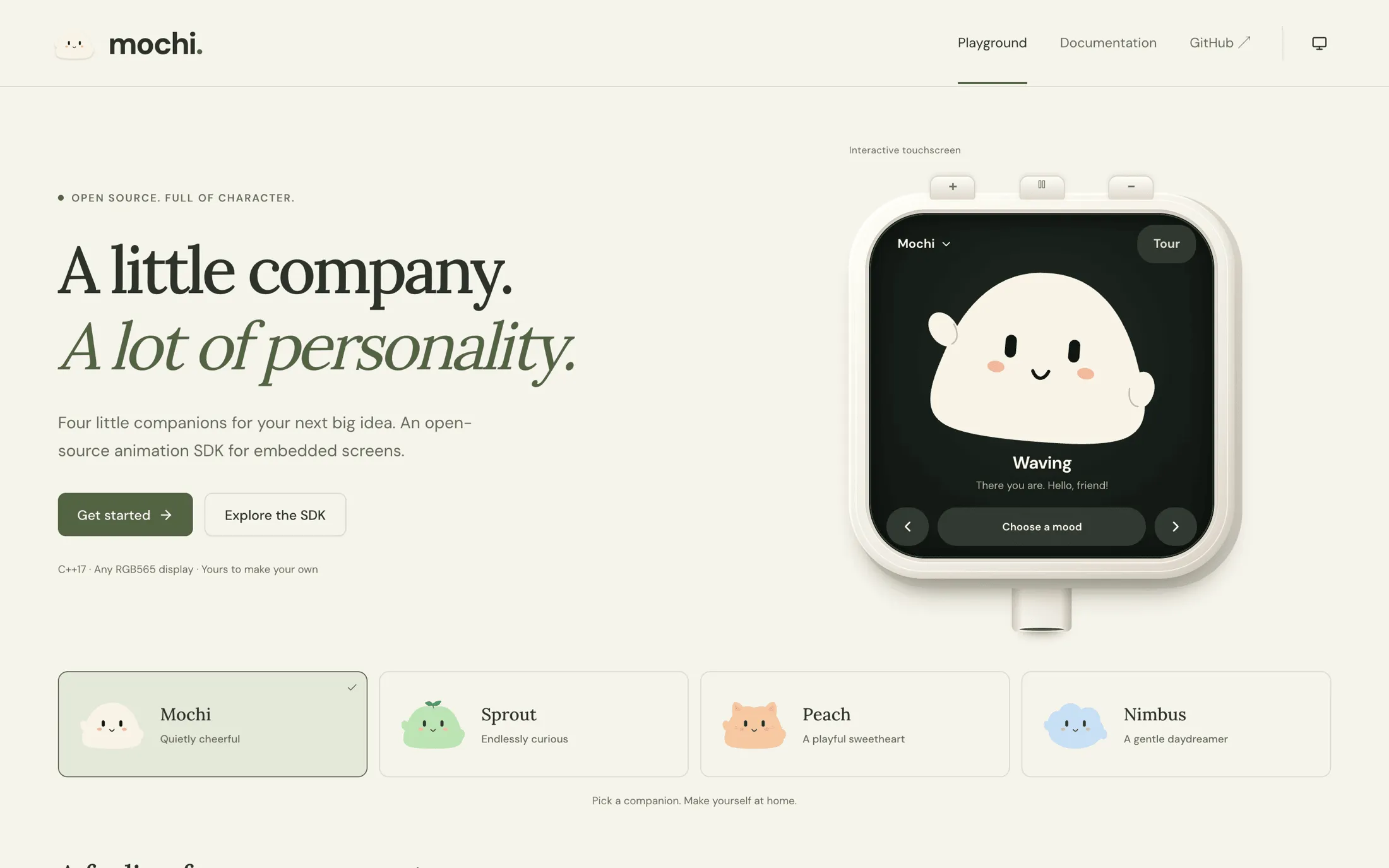
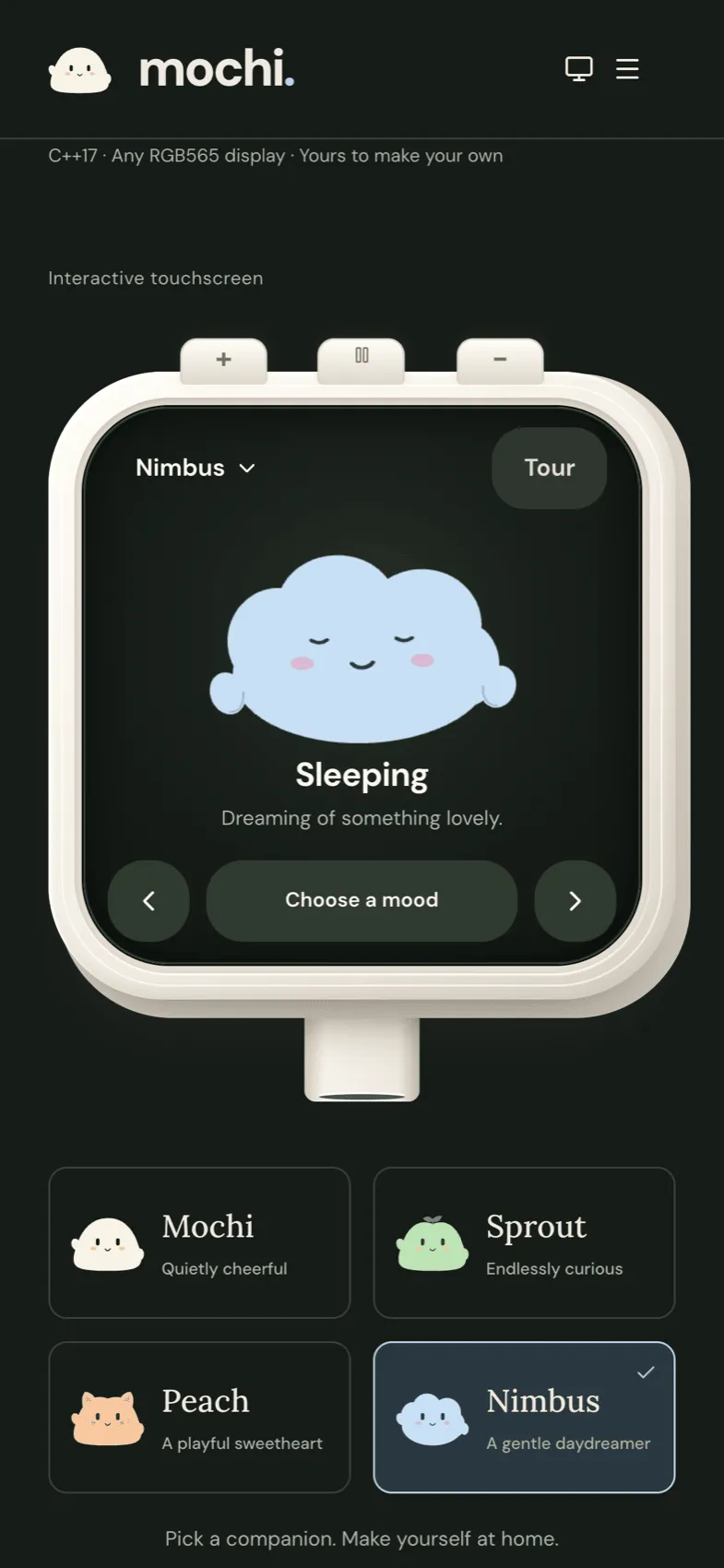
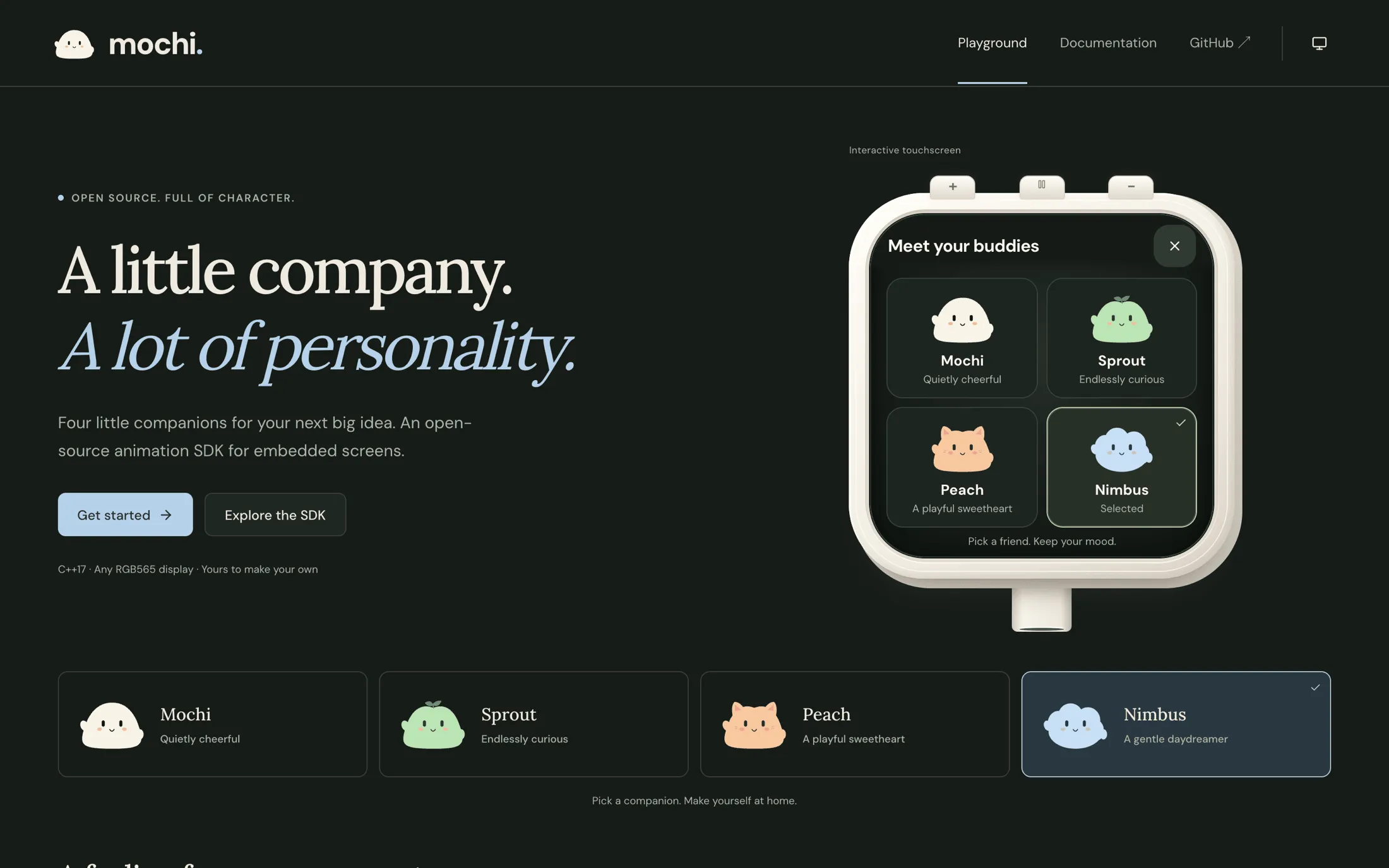
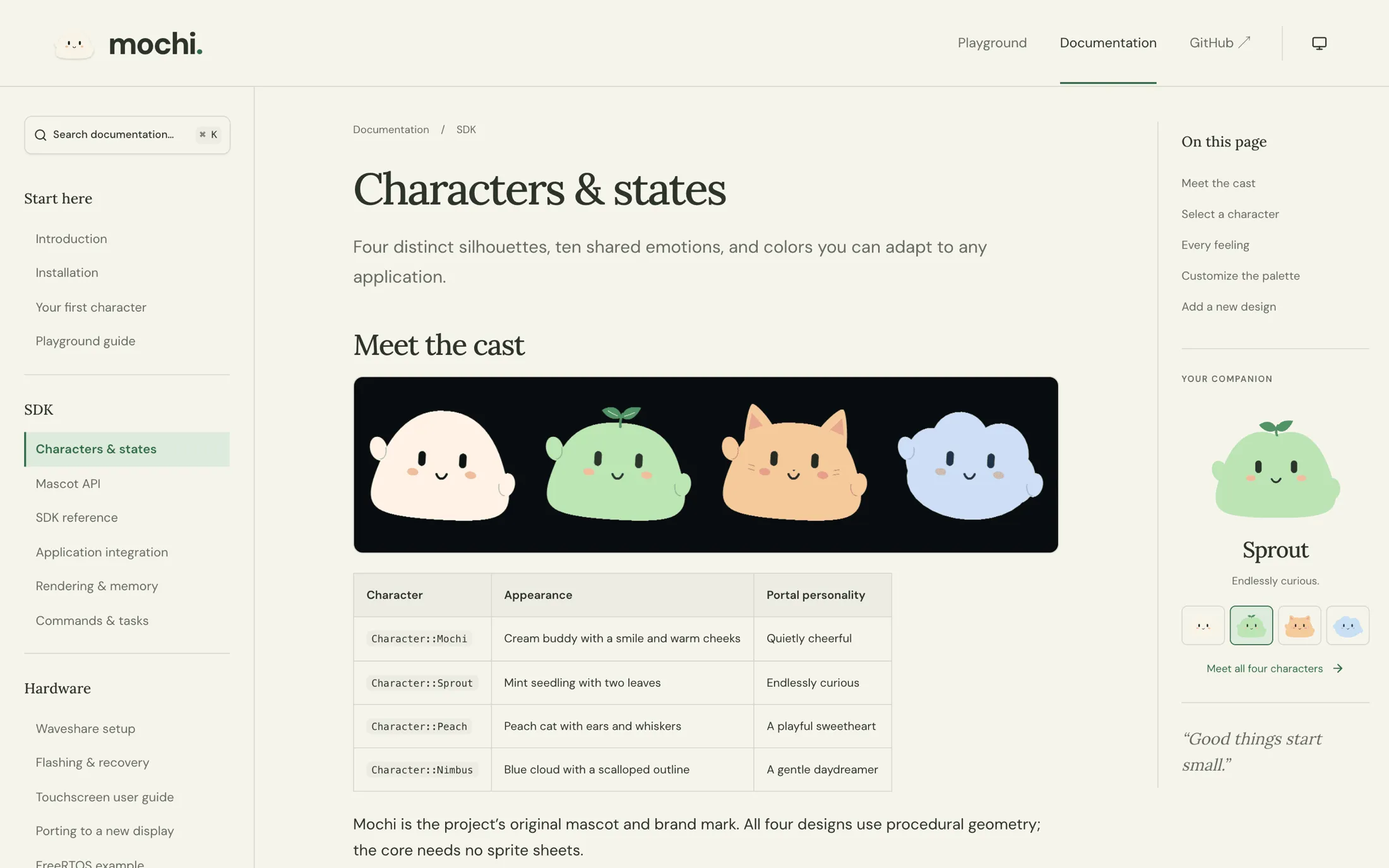
There are four characters, each with its own silhouette and editable colours:
- Mochi, the original cream-coloured buddy and the project’s mascot
- Sprout, a curious mint seedling with two leaves
- Peach, a peach-coloured cat with ears and whiskers
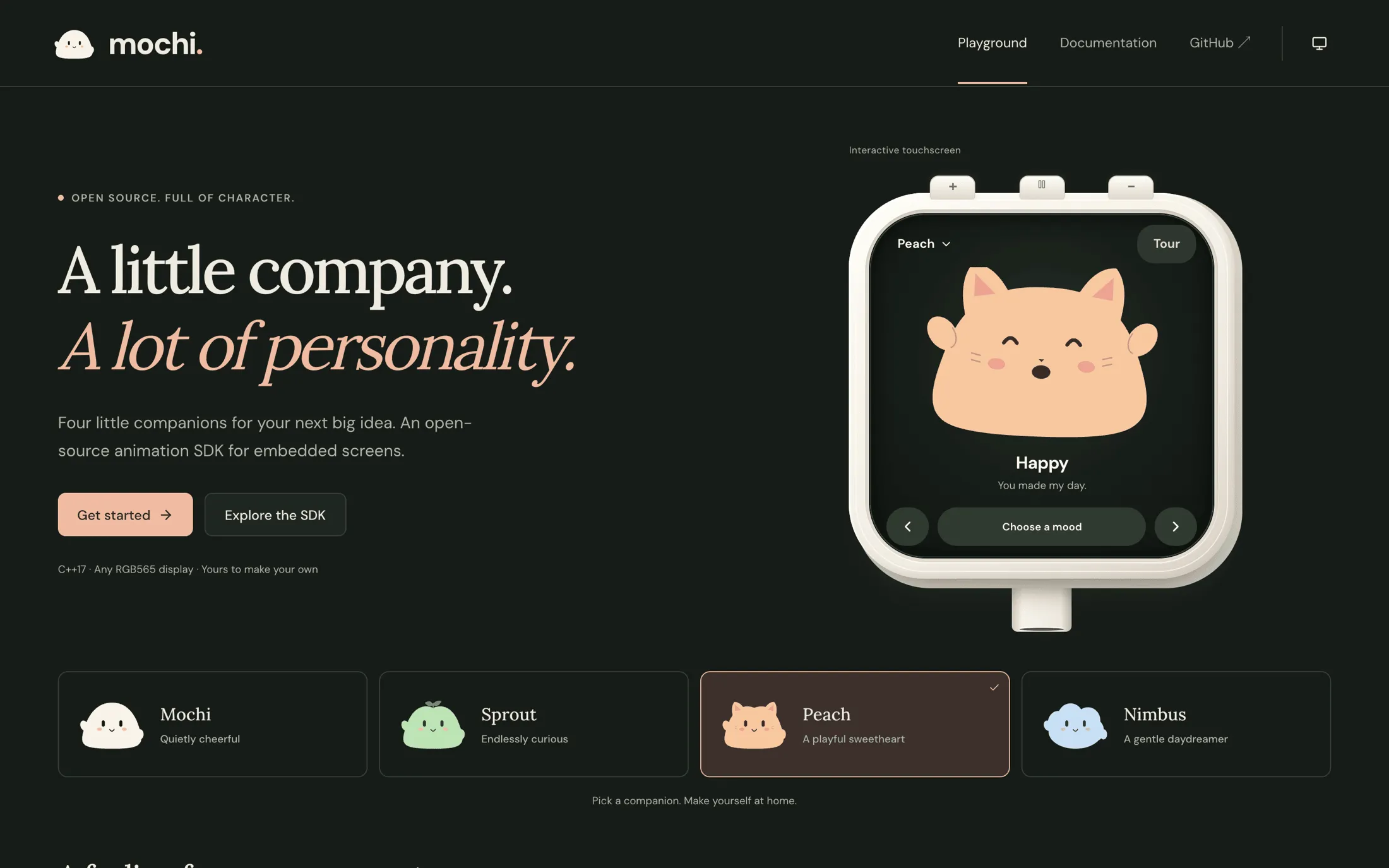
- Nimbus, a dreamy blue cloud
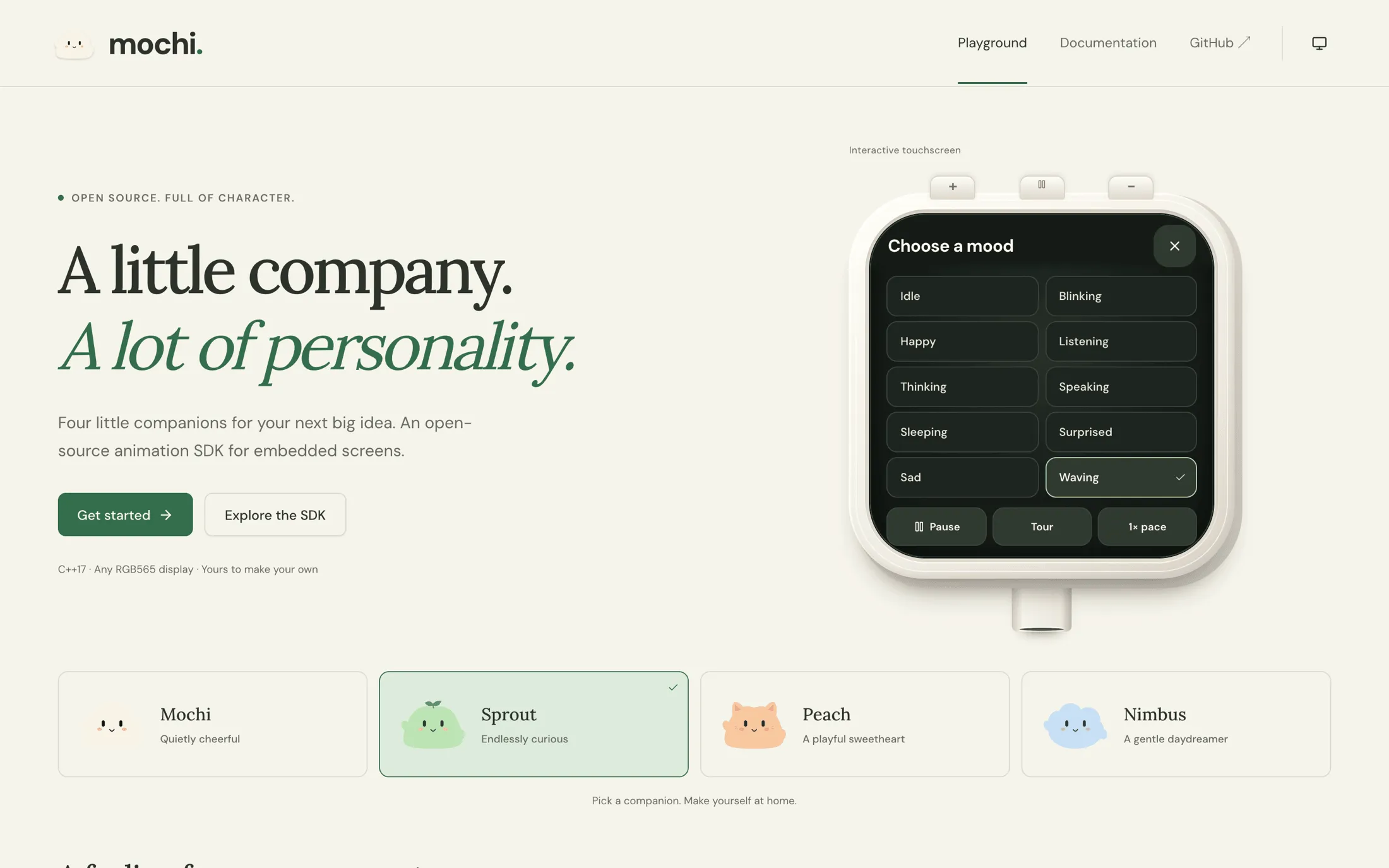
Every character supports the same ten states: idle, blinking, happy, listening, thinking, speaking, sleeping, surprised, sad and waving. Switching character keeps the current mood and timing, so you can change the face without restarting the performance.
Built for microcontrollers
The constraints of the target shaped the API more than anything else.
No allocation. Animation and rendering never touch the heap. The application owns the buffer and Mochi draws into it, which matters a great deal on a chip where fragmentation is a slow death.
No dependencies. The core runs without Arduino, a graphics library, a network or an account. An adapter brings it to a Waveshare ESP32-S3 AMOLED touch board, and the core itself is plain C++17.
Fits into an existing UI. A character can be a clipped widget inside a screen you already have, and rendering works with small partial buffers.
Alive in the details. Eyes, hands and mouth move independently. Transitions between moods are smooth. The mouth can follow a speech level from your application, so a character appears to talk when your device does.
Try it without hardware
There is a browser playground where you can pick a character, change its mood and watch it, with no board required. The Mochi in the corner of this site is a small homage drawn in SVG, not the SDK itself.
Where it stands
Version 0.3.0. It is an early SDK and the API may still change before 1.0.
In pictures
A closer look
Screens
On a phone